Levi’s Promo- Visual Merchandising

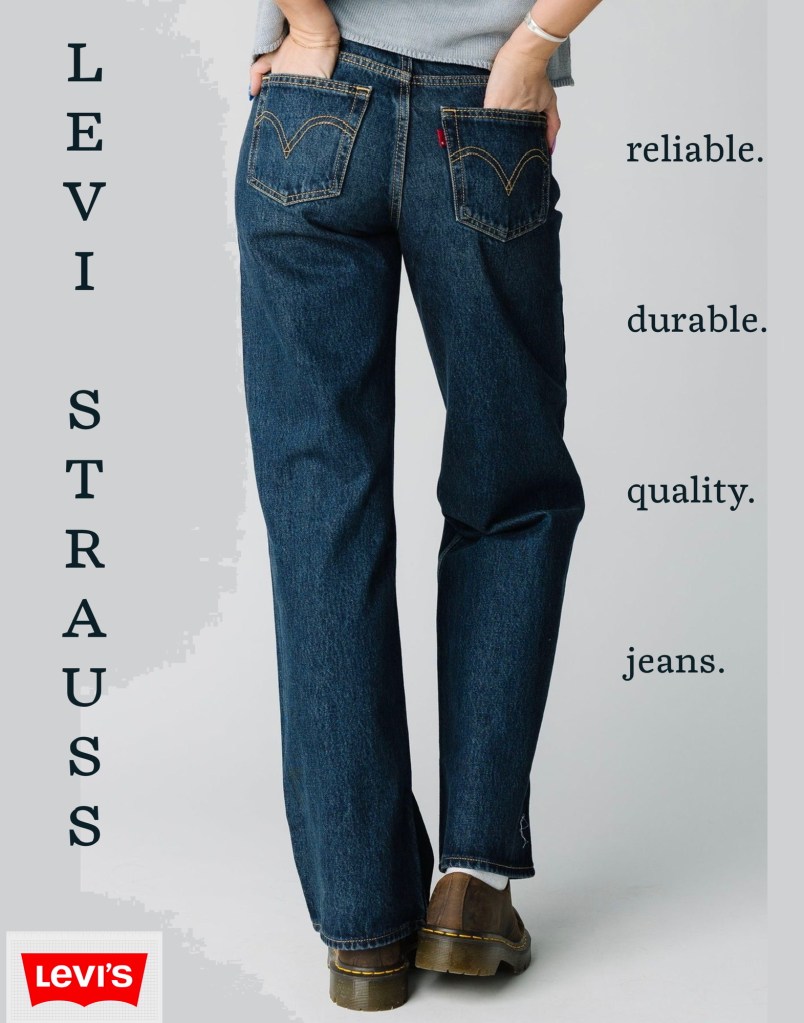
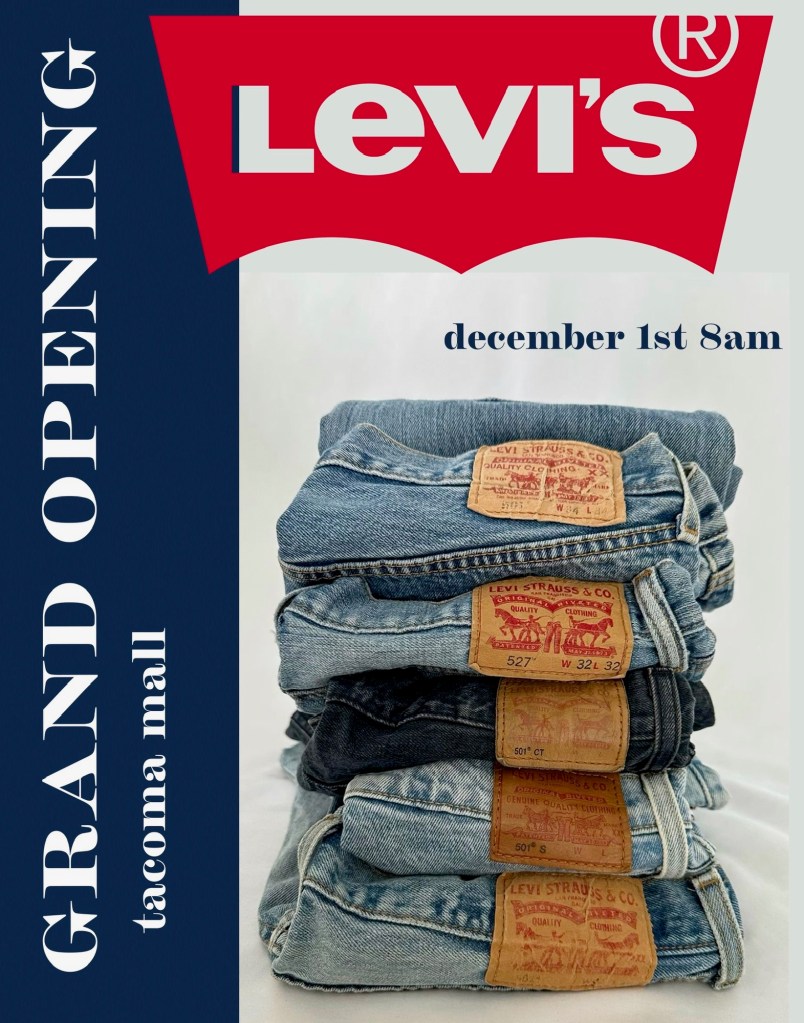
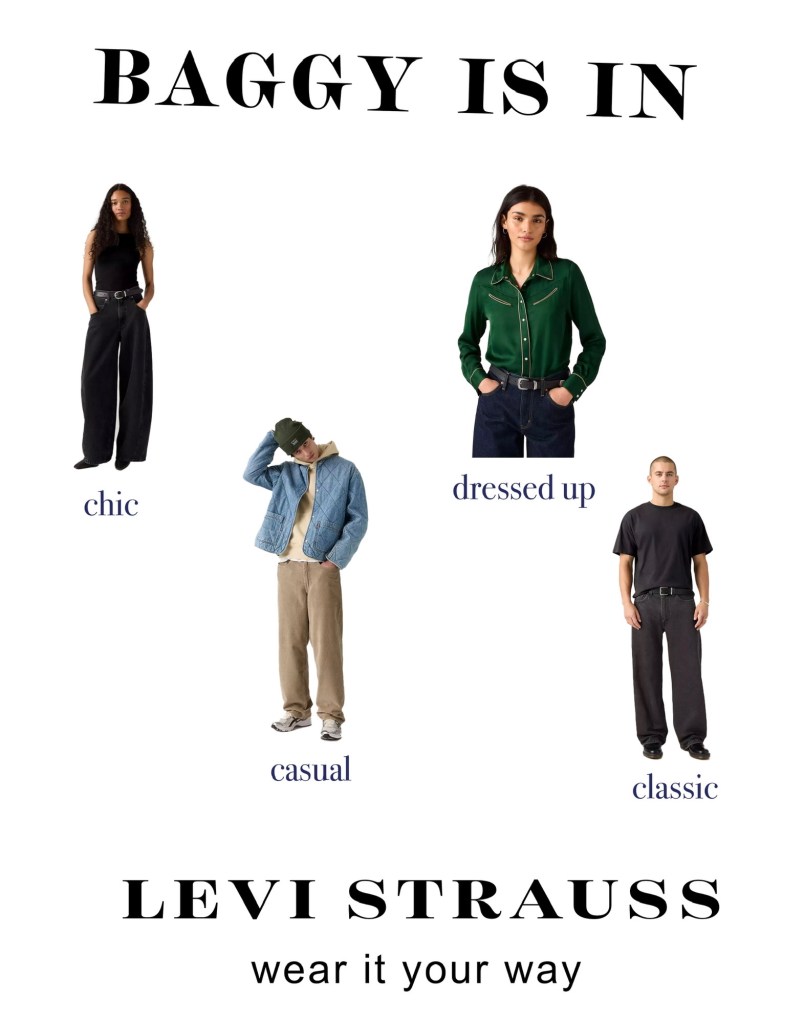
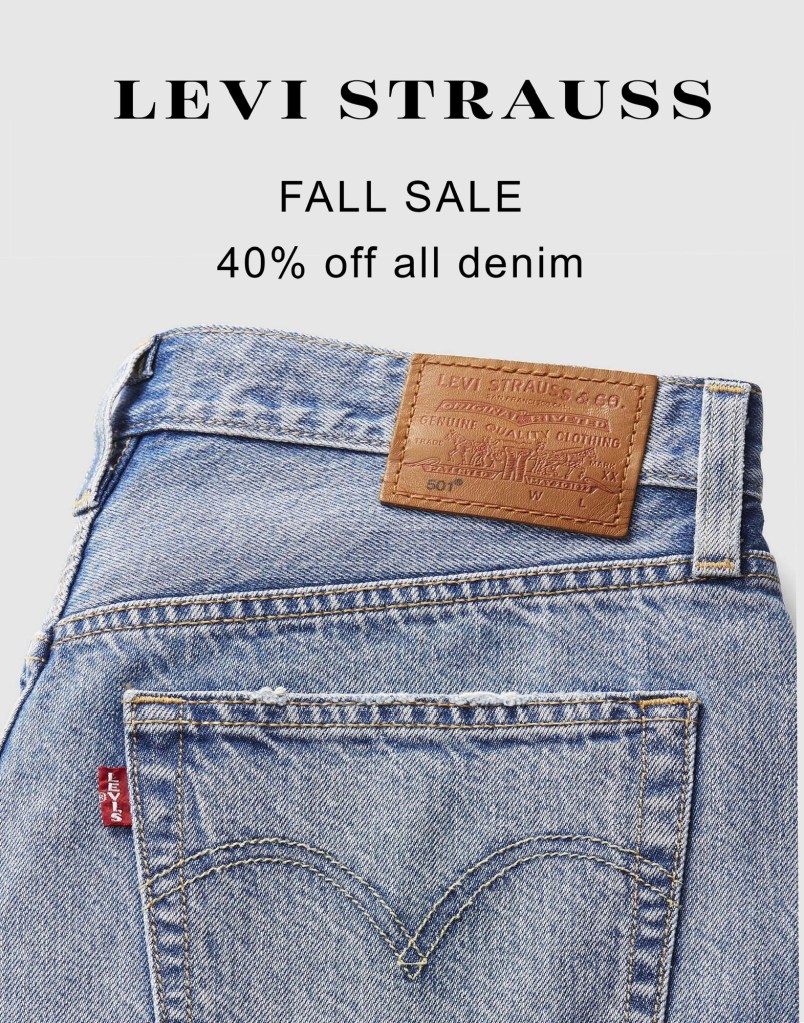
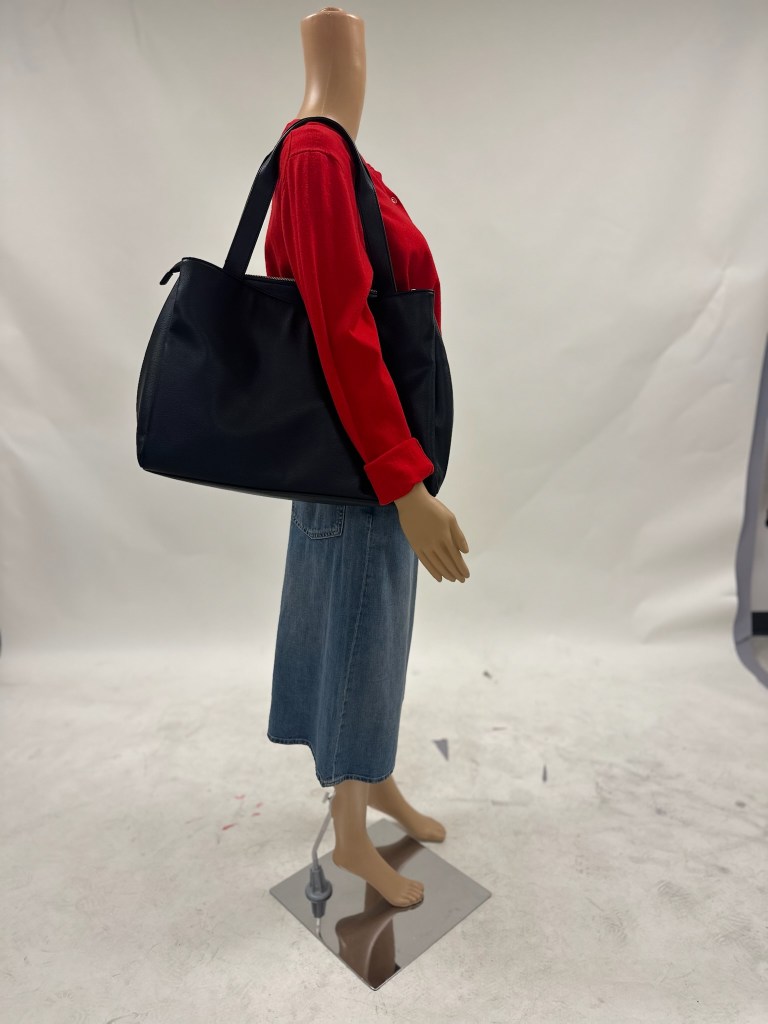
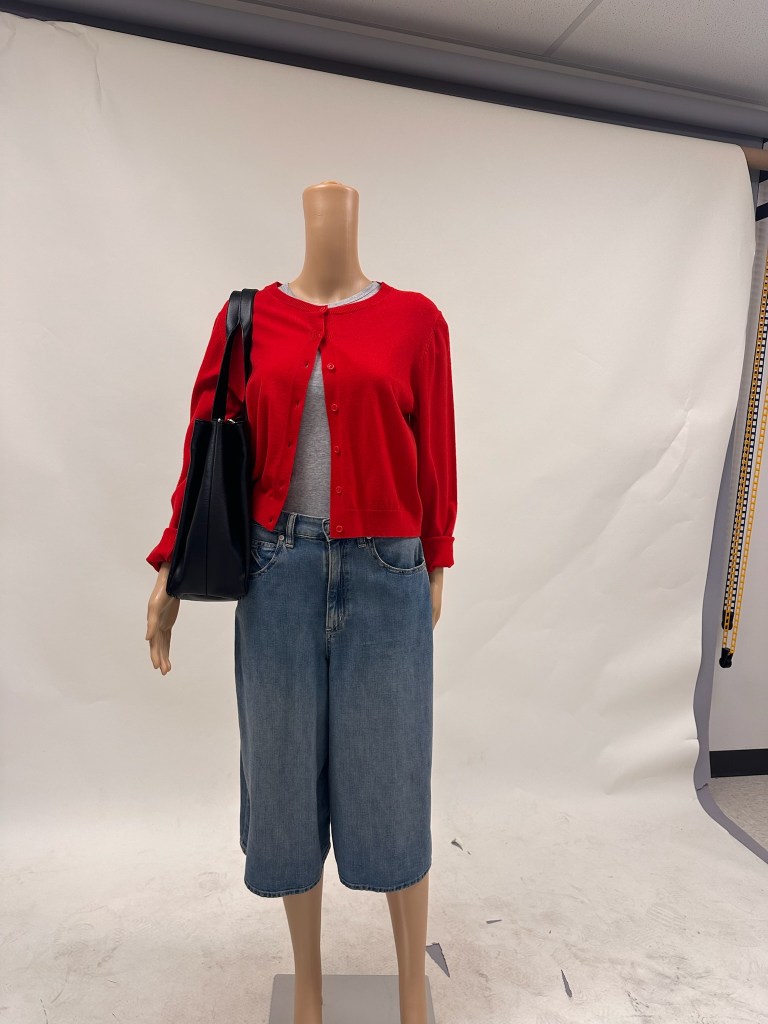
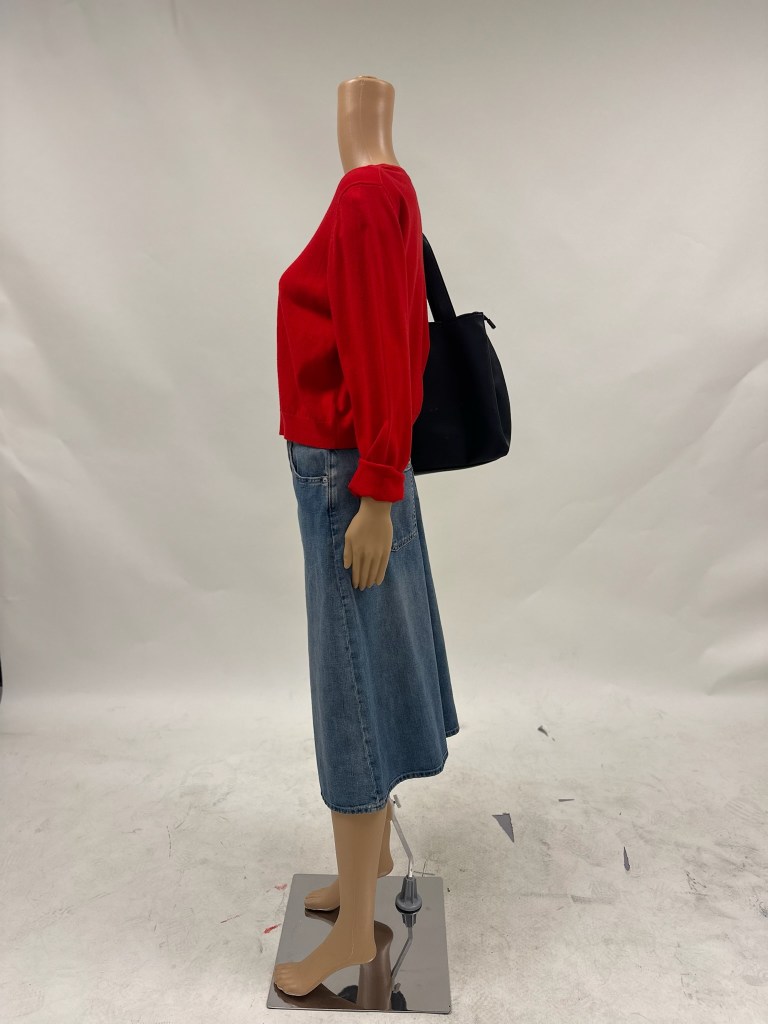
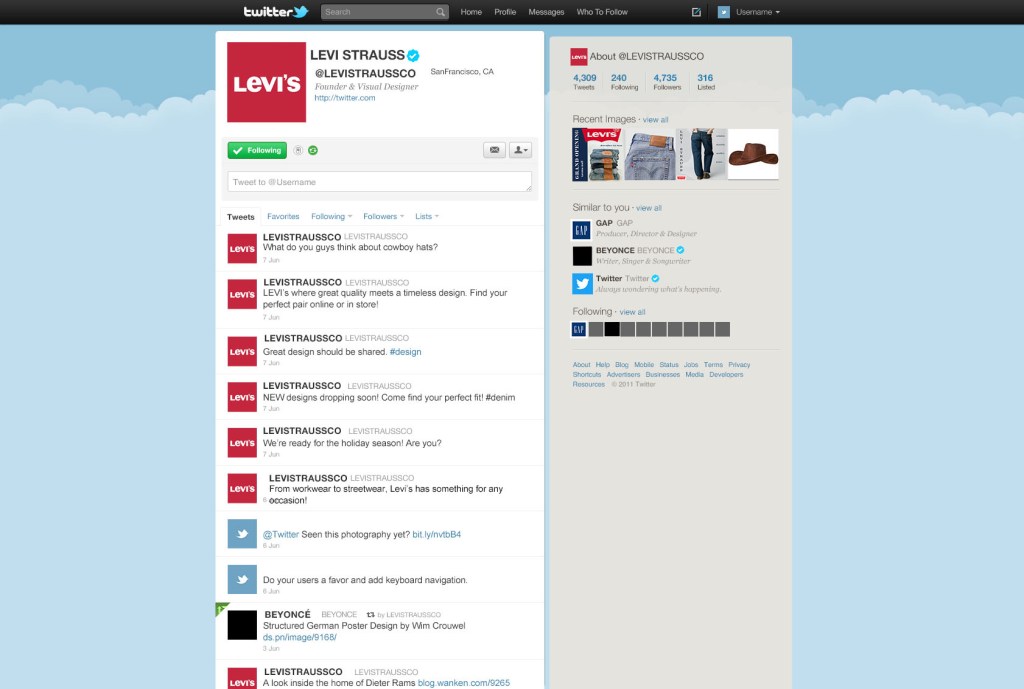
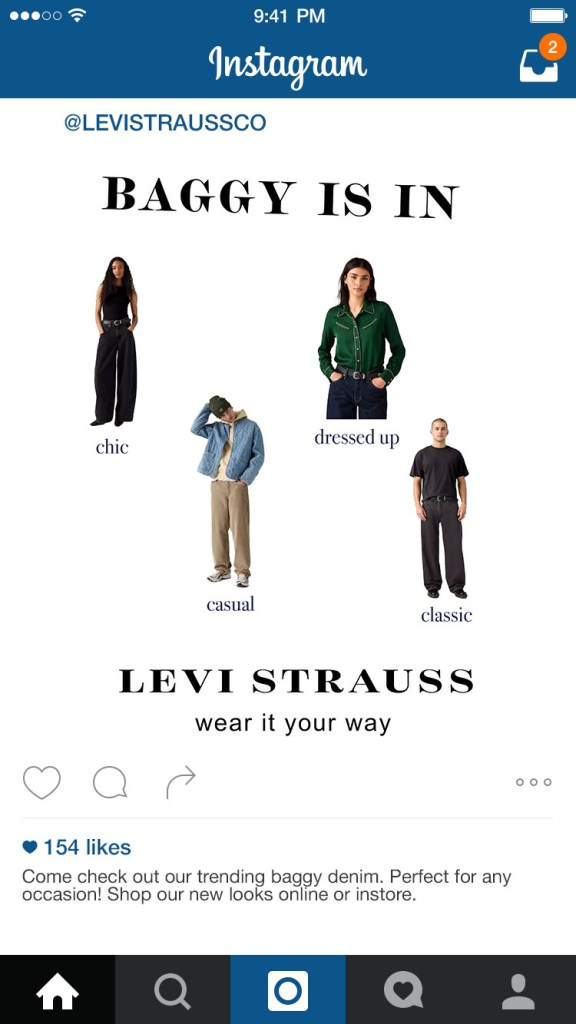
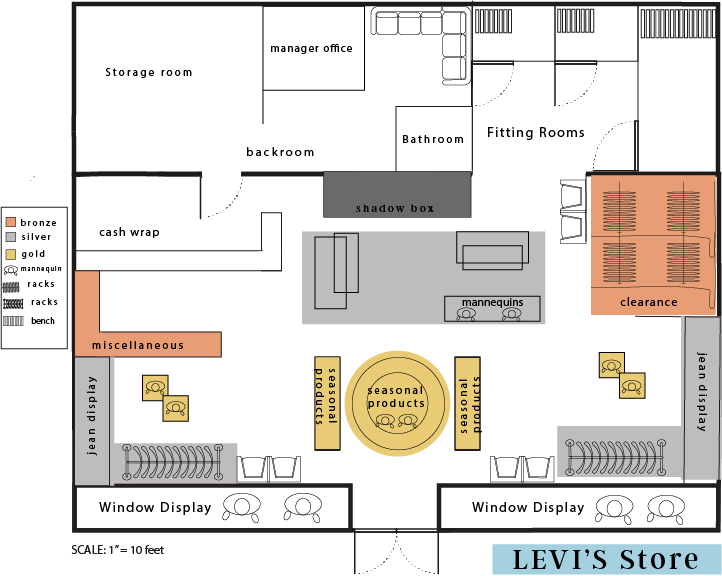
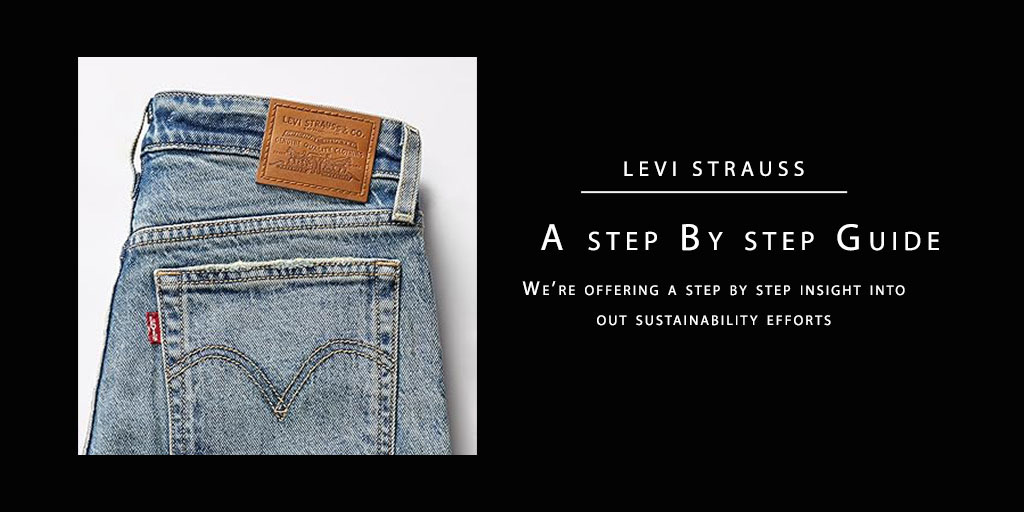
During Fall semester 2025, I had the opportunity to take a visual merchandising class. For this class we selected a brand and created a visual merchandising plan that consisted of advertisements, signage, social media posts, planned mannequin looks, and a floor plan. Through this I learned how to present a cohesive theme that represents a brand identity, cater towards a target market, and use the company history to create a promotional package. Overall, I found these projects to be challenging and fun!
How To Video

Honey Comb — December 3rd, 2025

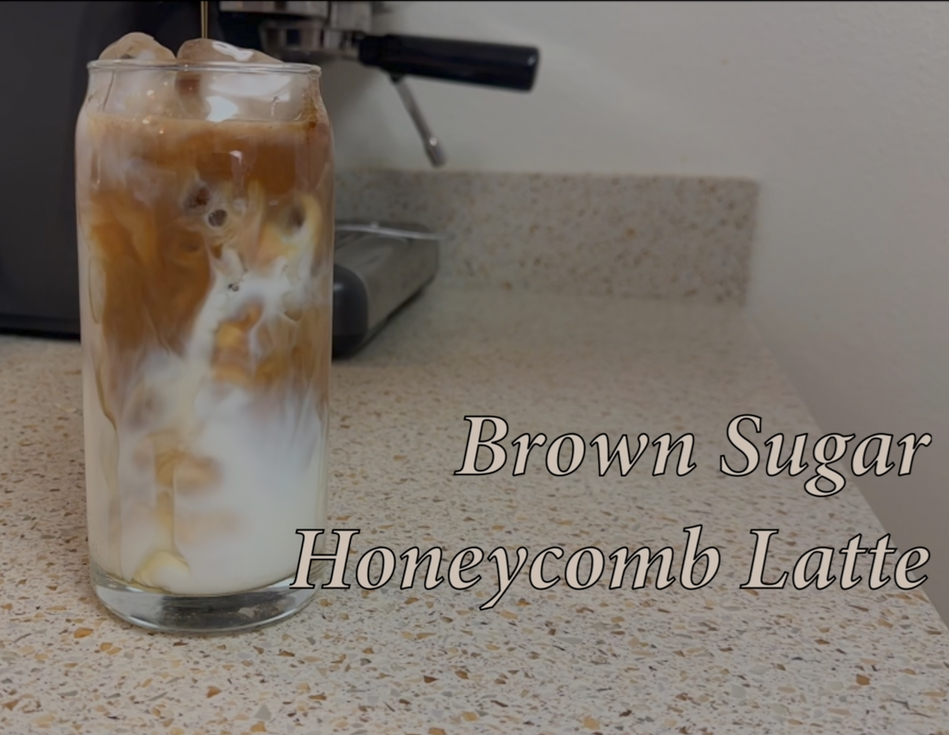
This project was definitely the most challenging for me since there are so many moving parts to it, literally. I used Adobe Premiere in order to create a How To video, I chose to do a tutorial on how to make a latte since it is something that I have a lot of experience with, and I think others would find it interesting. The hardest part about this project for me was figuring out the angles and lighting, since I do not have a tripod or any studio lighting this was very challenging. If I were to make more videos in the future I would definitely invest in professional equipment. I found the editing process of this project to be very fun, learning this new application was a bit challenging at times, but overall I enjoyed making this project.

Icon Set

Life Cycle of a Coffee Bean — October 8th, 2025

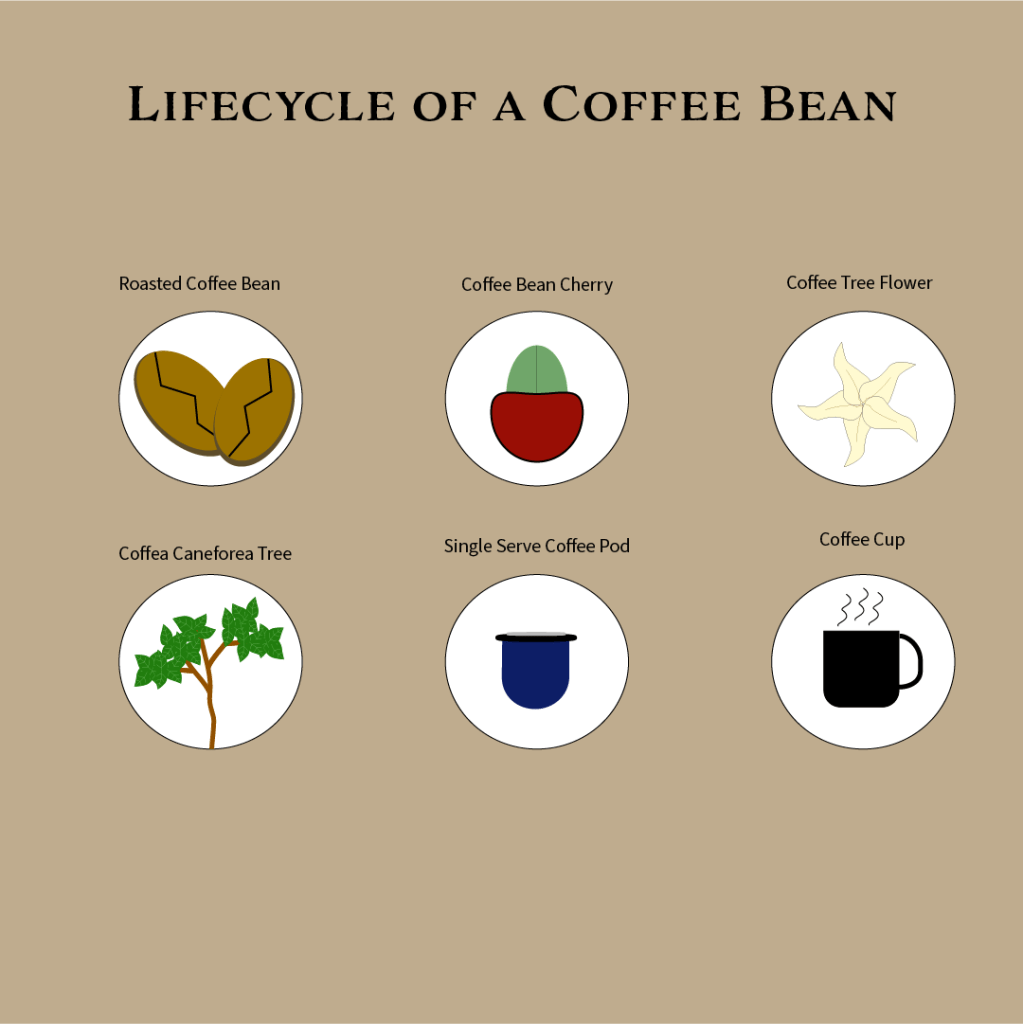
The purpose of this project was to create 6 icons that we would later use in an infographic project. I used Adobe Illustrator in order to create my own shapes, the most challenging one to create was the tree, I still think it could use some tweaking but I definitely learned a lot from this project. My favorite part was using the radial tool in order to create the flower, I think this tool is fun to mess with, and also is very helpful for creating a repetitive pattern.

Promotional Flyer

CryBaby Ad — September 28th, 2025

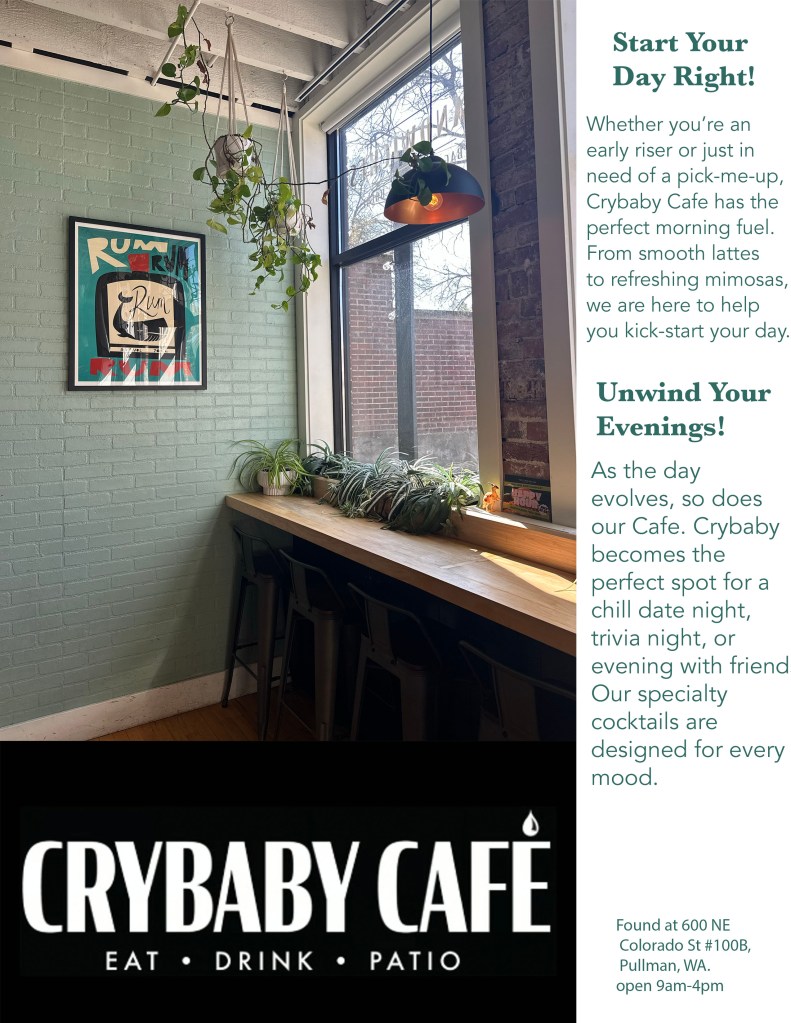
The purpose of this project was to use Adobe Photoshop to create and advertising poster for a local business. I chose CryBaby Café because this is one of my favorite local coffee places. I found this project to be somewhat challenging because this was my first advertisement I made. I ended up changing the entire layout of my ad from my first draft, but I think it turned out very well. This project taught me about the layers tool in Photoshop, and how to use it to enhance a project, I also got to practice the alignment skills we had been learning in class.

Event Flyer

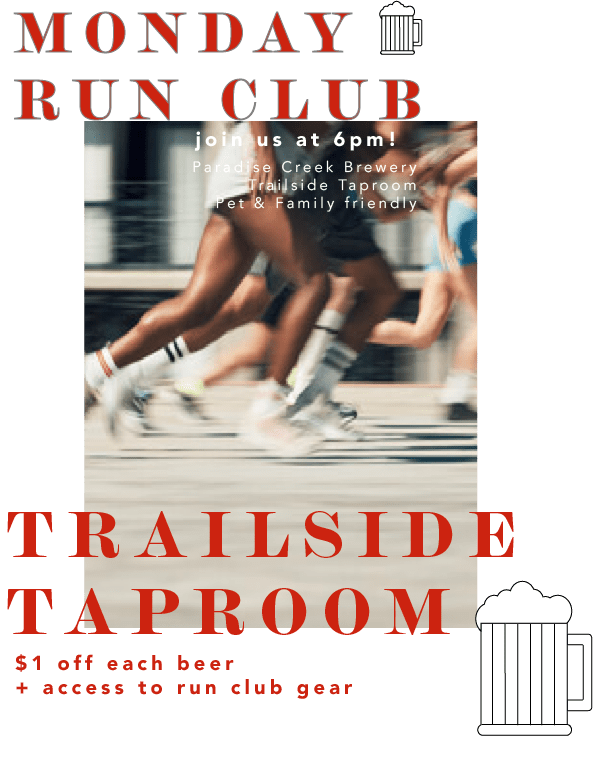
The purpose of this project was to find a local event and create a promotional flyer using Adobe Illustrator. I found this project to be very fun, as I was already familiar with Illustrator, but this project helped me to learn new tools within the application. Through this project I learned how to use the shape tool in Illustrator to make different objects such as the beer mugs. I also go to practice alignment and color contrasts, this part was a bit more difficult for me, but once I spent some time trying different alignments and colors, it slowly came together. Overall, I think this project turned out well.

Boring Image Project

Cougs Take Over— September 12th, 2025

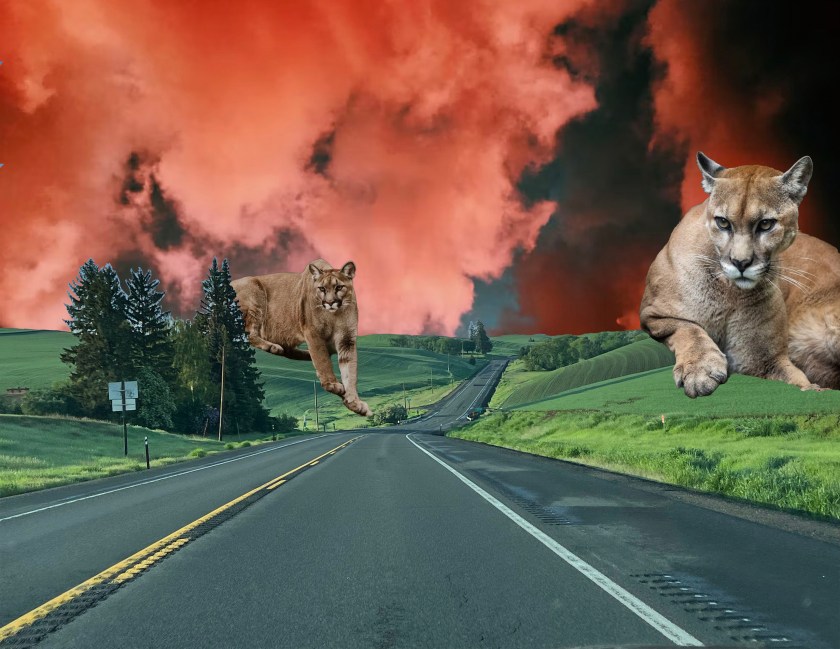
The purpose of this assignment was to use Adobe Photoshop in order to take a once boring image, and create something more interesting. I found this project to be both fun and challenging. My favorite part was messing with the proportions of the cougars, and placing them intentionally on the foreground in order to make the image flow better. One thing I found challenging was the use of contrast and hues to make the back clouds seem more intense. It took me a while to figure out exactly what I was looking for, and I had to try out a bunch of different ideas, but in the end I think it turned out great!